

Task History and Improved Notifications in OJS 3.6
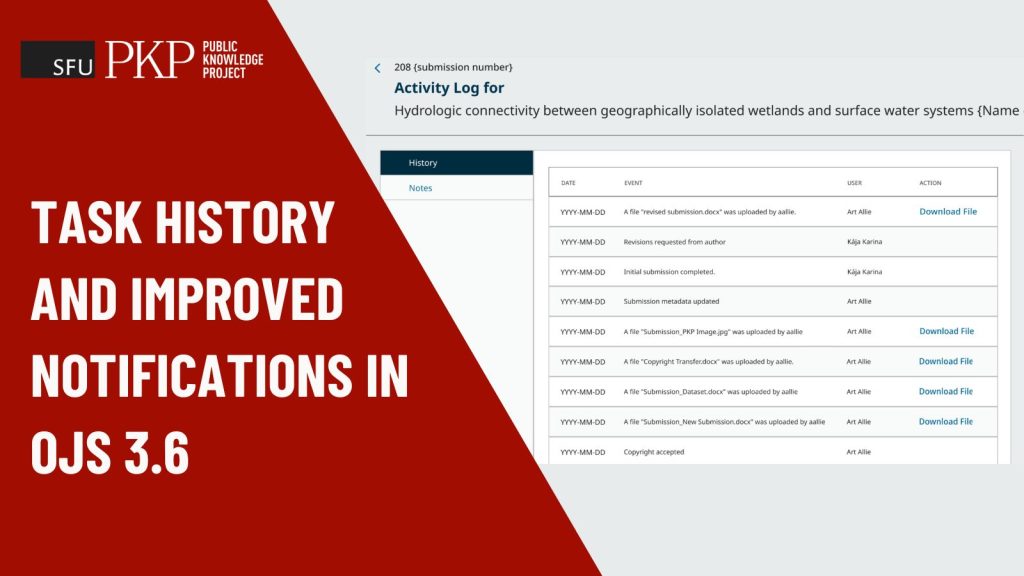
View the lifecycle of a task and keep your team in the loop with system and email notifications.
We are adding three enhancements to the tasks and discussions feature that give you more editorial transparency and make hitting deadlines easier. These updates are coming in OJS, OMP, and OPS 3.6.
New to tasks and discussions? Check out the previous article on how to manage and track editorial tasks for a quick overview of the basic functionality.
1. View the history of a task #12248
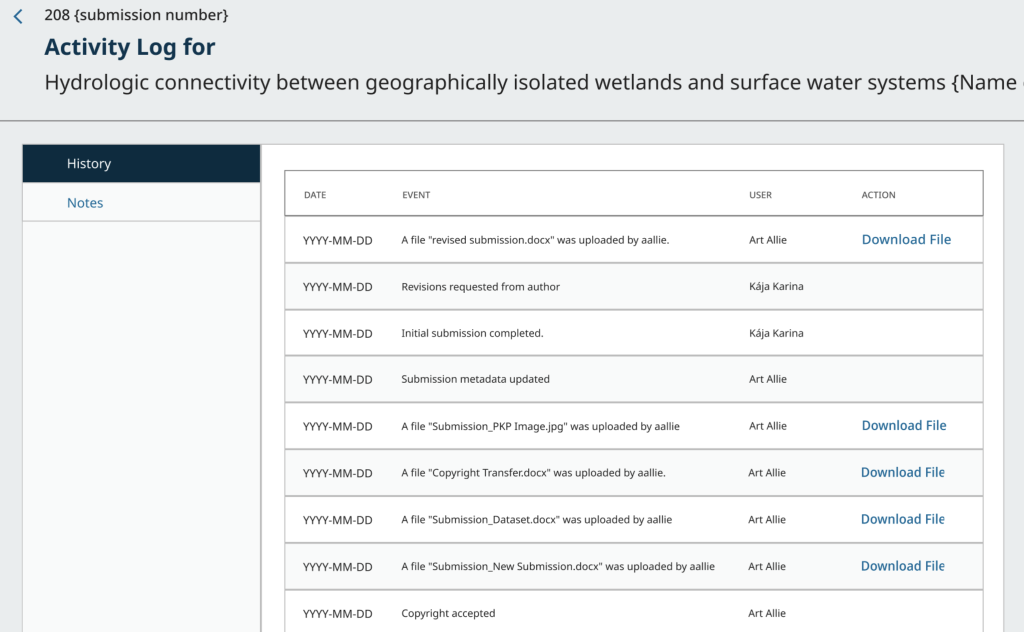
When a task involves multiple people with interdependencies, it can have a long and complex lifespan filled with discussions, multiple file references, team changes, handoffs, and more.
The new task history in OJS 3.6 gives you a chronological view of everything that’s happened, including:
- Who was added or removed
- Changes to the Task owner
- Links to file attachments
- When a new messages were posted and by whom
- When a task was flagged as overdue
- When a task was completed or reopened
A task’s history documents part of a submission’s journey toward becoming a preprint or publication. Here’s how you might use it:
- Audit trails — demonstrate editorial rigor with a detailed record
- Continuity — maintain momentum during team transitions
- Process improvement — identify delays, workflow issues
- Compliance — contributes to reporting requirements
2. System and email notifications #12322
Some features are noticed only when they’re absent. Notifications are one such example. Without them, you are stuck nudging people manually. Now the software handles this nudging for you.
You will get notified when:
- A new task or discussion has been created with you listed as a participant
- A new note is added
- The status changes
3. Seamless email integration #4142
When you get an email about a new or updated task, you can reply directly from your inbox without logging into OJS. Your response gets pulled into the task automatically. The less context-switching, the better! This is a time-saving feature for anyone listed as a task participant, whether you are an author, editor, or a reviewer.
Missed our development webinar?
Check out our walkthrough of the tasks and discussions feature, presented by PKP software developer and OJS workflow lead, Vitaliy Bezsheiko.
Interested in what else is happening with 3.6? Check out the rest of the 3.6 playlist on YouTube so far here.